One clear answer
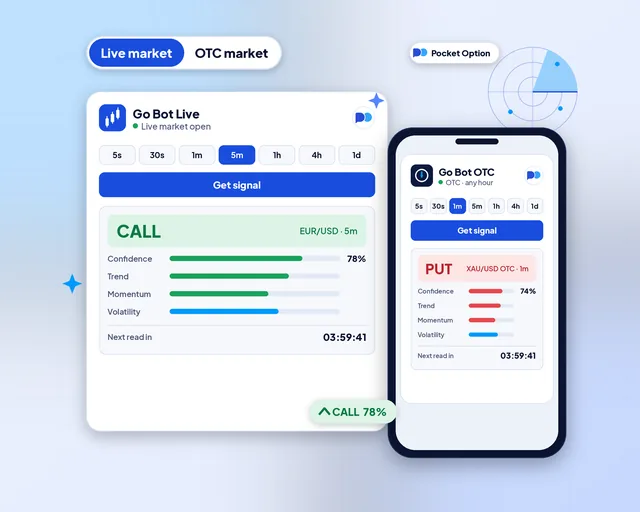
Choose the pair and how long the trade should run. Tap Get signal, and Go Bot replies CALL, PUT or NO TRADE.
Online signal tool for Pocket Option
Pick a Pocket Option pair and a timeframe, then tap Get signal. In a few seconds Go Bot answers CALL, PUT or NO TRADE, with a score for how sure the read is. It runs in your browser, and the trade stays in your hands.
PocketBots is independent. Pocket Option does not make, run or endorse it.
Browser extensions
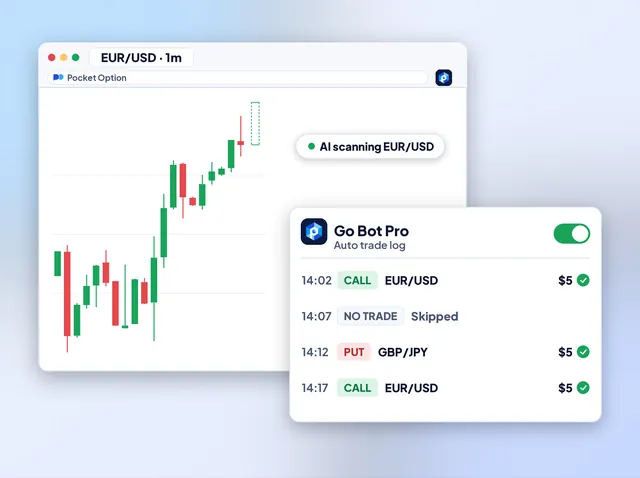
Add the extension to Chrome, Firefox or Edge and open Pocket Option in a tab. It reads the pair you trade, and with auto trade on it places the trade for you, only inside the stake, trade count and stop rules you set.
Android and iOS
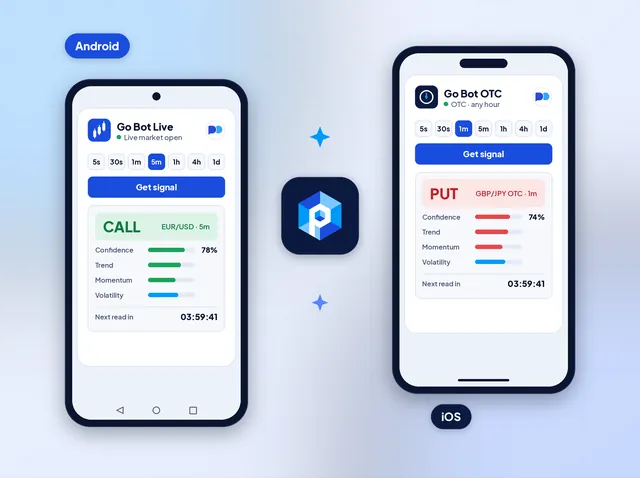
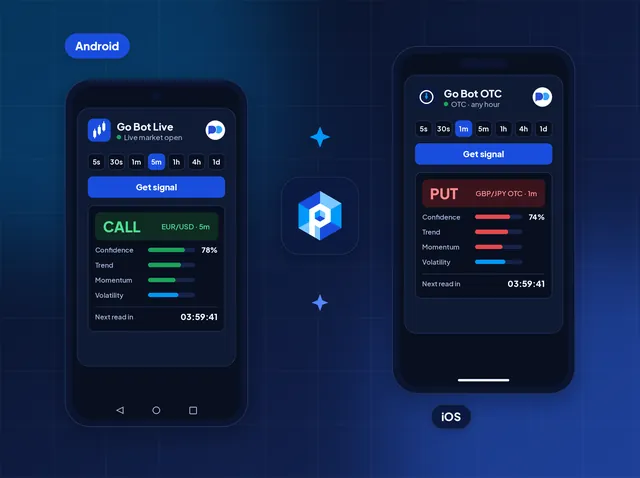
The app carries the same reader as the website: the pair list, sixteen timeframes and the score. Turn on alerts and your phone tells you the moment a new read lands, on a commute or away from your desk.
Telegram channel
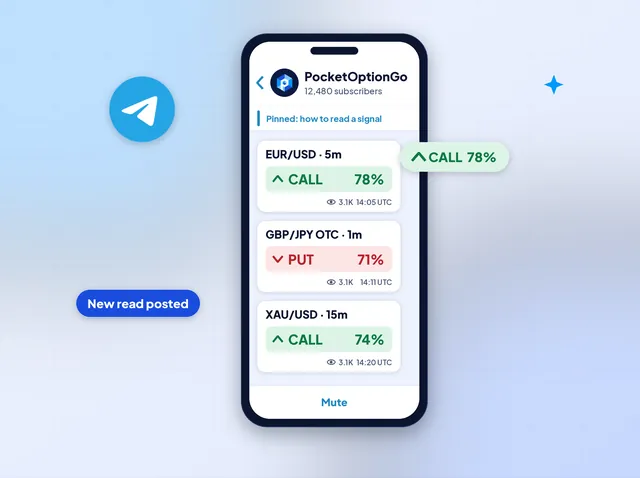
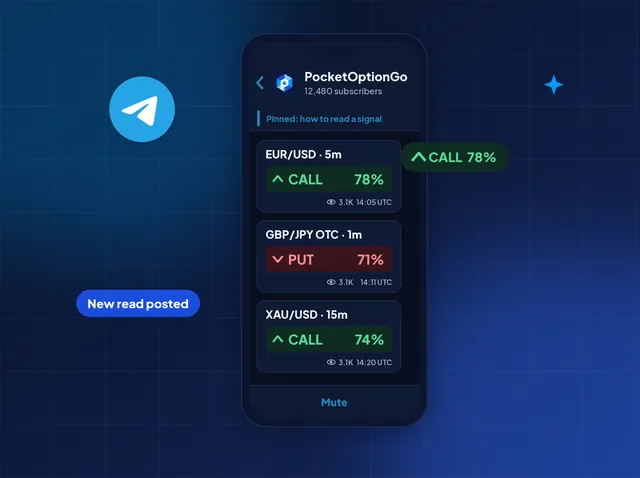
Join the channel and reads for popular Pocket Option pairs arrive as posts: the pair, the timeframe, CALL or PUT and the score. Nothing to install beyond Telegram, on your phone or your desktop.
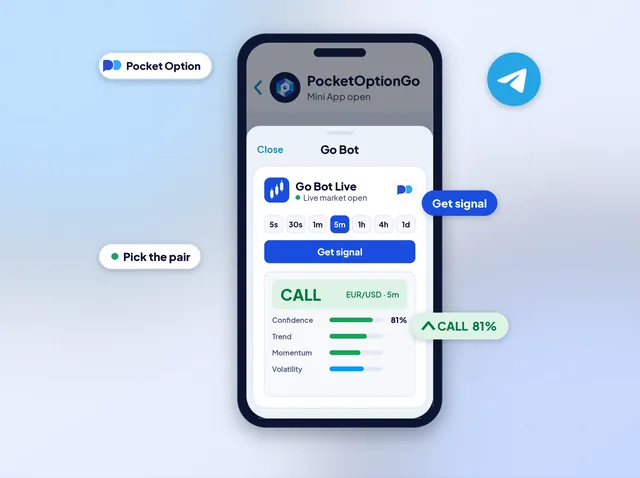
Telegram Mini App
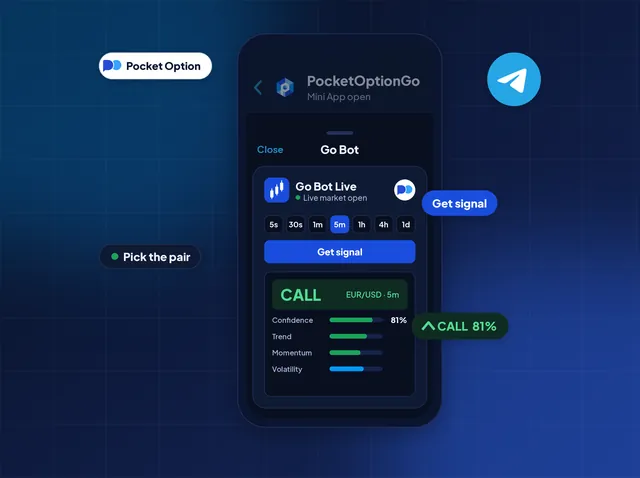
Prefer to choose the pair yourself? The Mini App opens Go Bot in a panel inside Telegram. Pick a pair and a timeframe, tap Get signal and read the answer without leaving the chat.
What you get
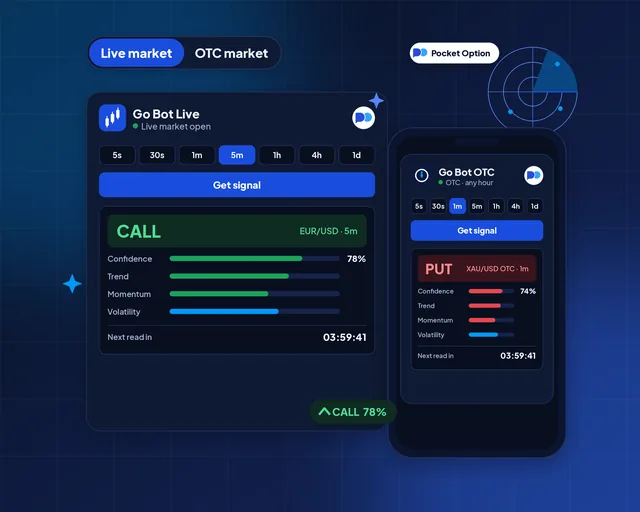
Choose the pair and how long the trade should run. Tap Get signal, and Go Bot replies CALL, PUT or NO TRADE.
Go Bot reads the live pairs Pocket Option quotes on weekdays, and its OTC pairs day and night.
Each read comes with a score. Beside it, three meters for trend, momentum and volatility explain the lean.
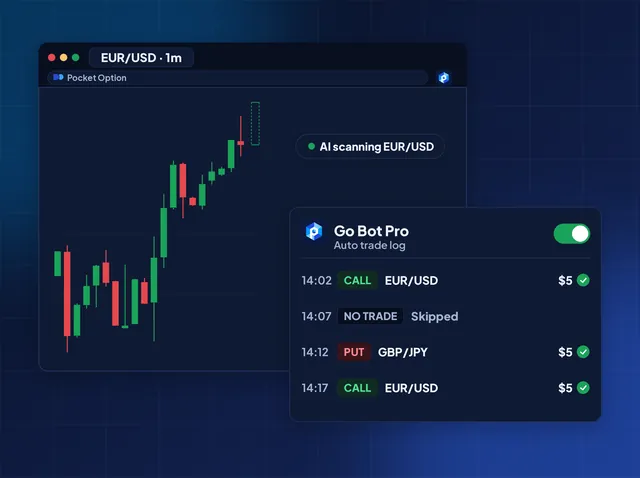
Go Bot Pro, the browser extension, can place the trade on your Pocket Option tab, within the stake and stop rules you set.
The Android and iOS app sends a notification the moment a new read lands, so you can look away from the chart.
Sign up at Pocket Option through our partner link, and support sends one key that opens every timeframe.
Where you trade
Sign up at Pocket Option with our partner link, and every timeframe opens without paying for a plan. Pocket Option may pay us a referral commission. That money funds the tools, and it adds nothing to what you pay.
In their words
I check EUR/USD on the 5m before work. When the answer is NO TRADE, I shut the laptop and leave it for tomorrow.
Saturdays are when I have time, so I flip Go Bot to OTC. The meters tell me why the score sits where it does.
I sent support a pile of beginner questions first. Each one got a straight answer, and the key came once my account was open.
No-cost access
Tell support which Pocket Option account you use. They reply with one key that opens Go Bot on live and OTC pairs.
Your brokerPocket Option
Claim free access