Reads beside your chart
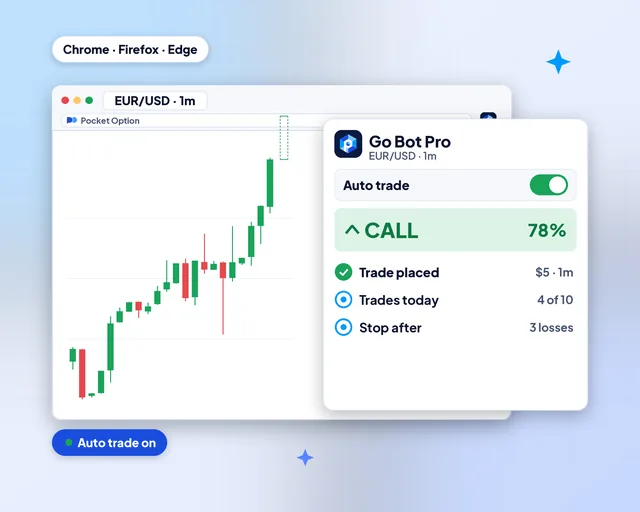
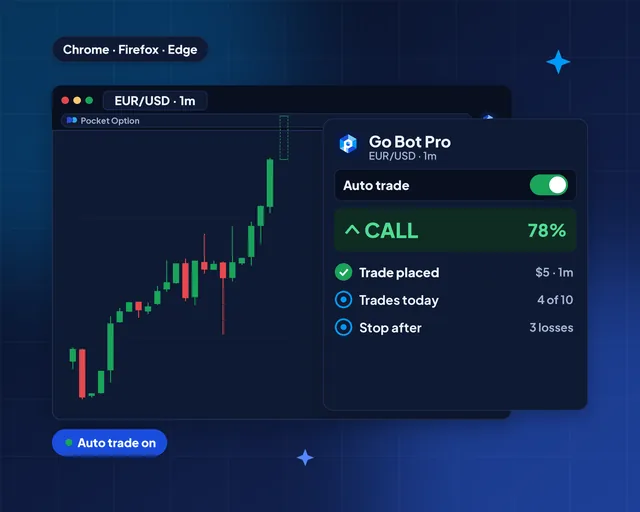
The panel sits next to your Pocket Option tab, so the read and the chart share one screen.
Browser extensions for Pocket Option
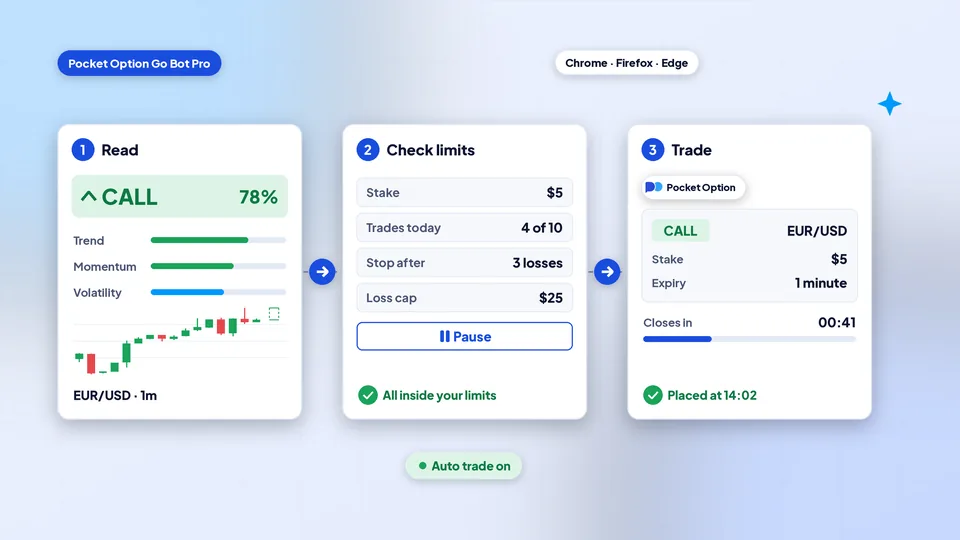
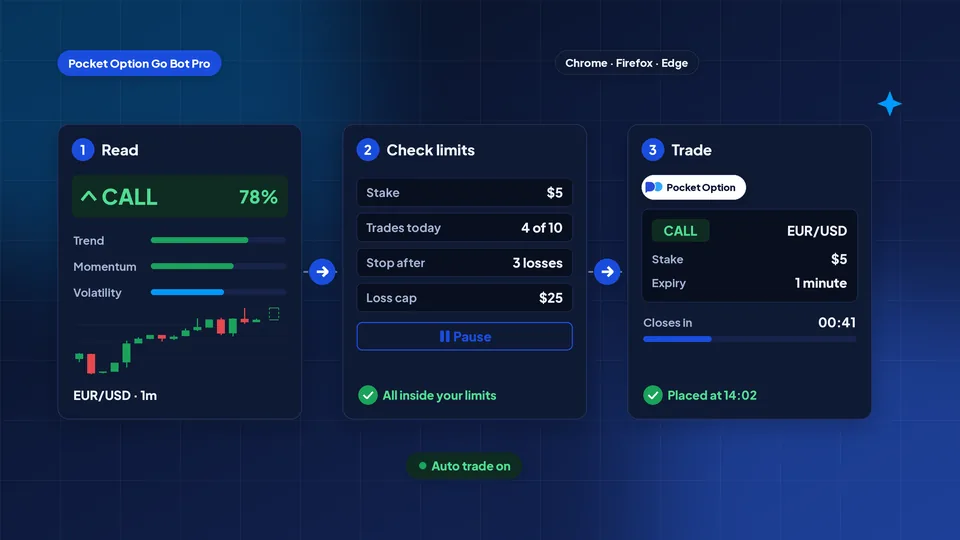
Add Go Bot Pro to Chrome, Firefox or Edge and open Pocket Option in a tab. It reads the pair you trade and shows CALL, PUT or NO TRADE with a score. Switch auto trade on and it places the trade for you, never past the stake, trade count and stop you set.
This is an independent, unofficial extension made by the PocketBots team. Pocket Option has not approved it, and it is not their official app. We have an affiliate relationship with Pocket Option. Every app, robot and tool on this site is built by us as an unofficial third-party product, and Pocket Option did not build, approve or authorize it.
What it does
The panel sits next to your Pocket Option tab, so the read and the chart share one screen.
Switch it on and each read that passes your rules becomes a trade. Switch it off and you place every trade yourself.
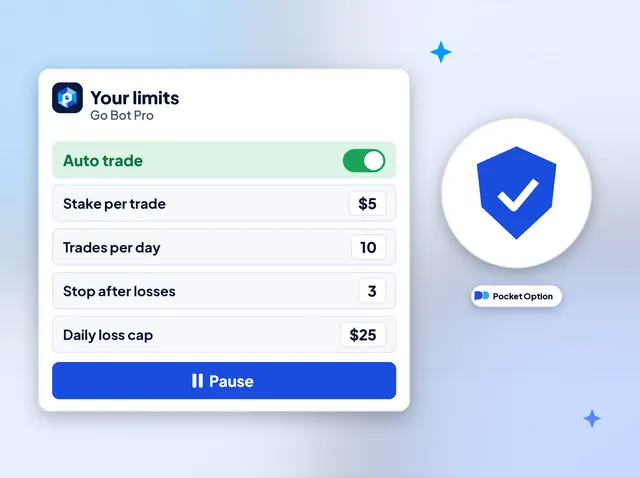
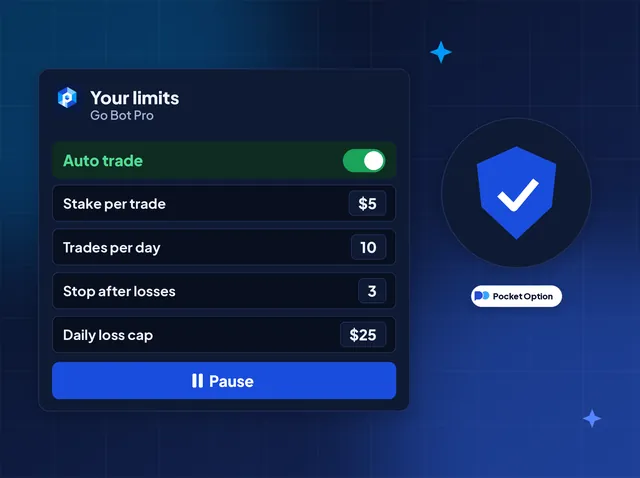
Stake per trade, trades per day, a stop after a run of losses and a daily loss cap.
One button stops auto trade at once. Reads keep coming, and nothing new is placed.
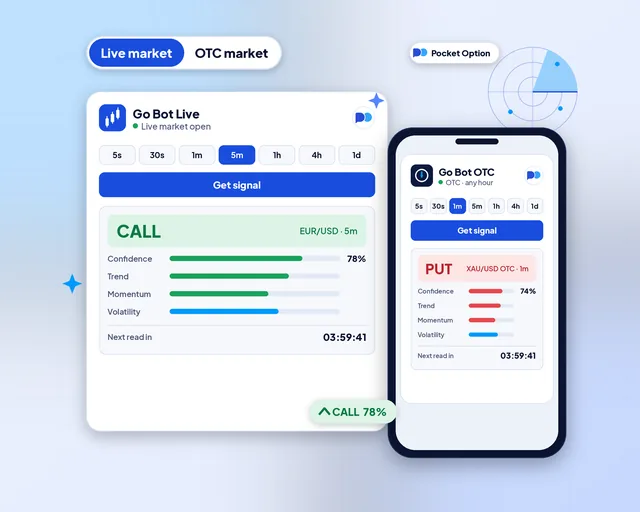
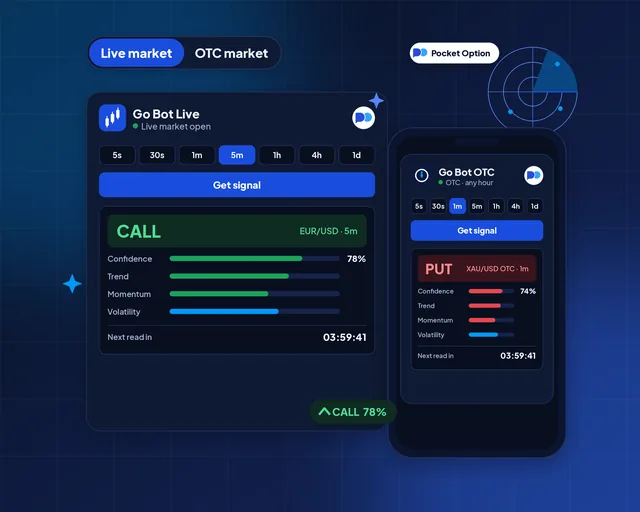
The same switch as the web tool: weekday pairs on real-market prices, OTC pairs at any hour.
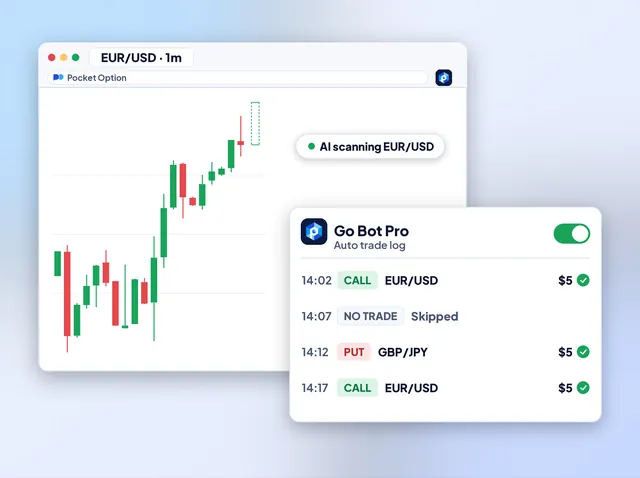
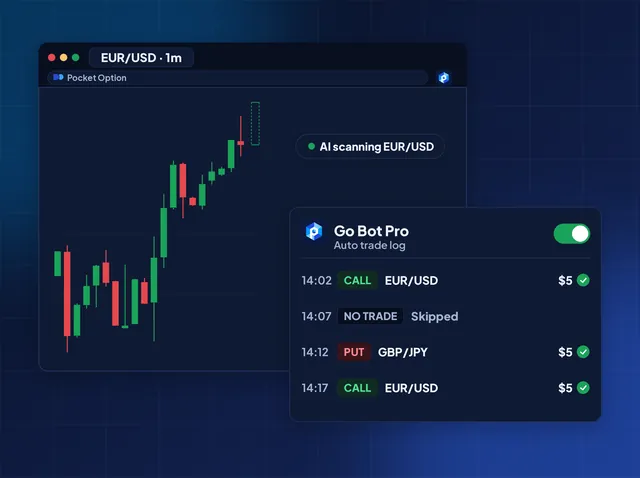
Each read and each trade it placed, with the time, the pair and the stake, in one list.
Auto trade
Open Pocket Option, pick a pair and let Go Bot Pro read it. With auto trade on, a CALL or PUT that clears your rules is placed on your tab at your stake. A NO TRADE is skipped. The log beside the chart shows every step, so nothing happens out of sight.
Getting started
Write on Telegram, WhatsApp or email. Support sends the store link for your browser and a key, free through our Pocket Option link or on a plan.
Install it from the store, pin it to the toolbar and open Pocket Option in a tab. Start the 7-day free trial or enter your key.
Fill in the stake, trades per day and your stops. Watch a few reads first, then turn auto trade on when you are ready.
In one picture
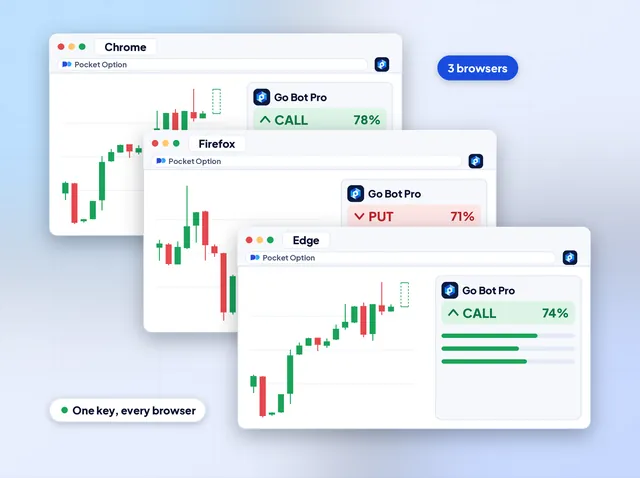
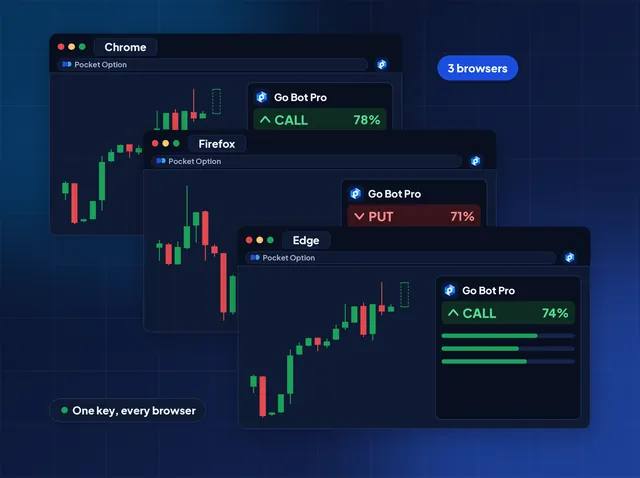
Three browsers
Go Bot Pro is built for the three desktop browsers most traders use. Pin it to the toolbar, open it beside your chart and it carries the same reader as the web tool: the pair list, sixteen timeframes and the score.
Web tool or extension
Both read with the same engine. The difference is where they run and who places the trade.
| Point of comparison | Go Bot, on the web | Go Bot Pro, the extension |
|---|---|---|
| Where it runs | A tab in any browser | Beside your Pocket Option tab |
| Who trades | You, every time | You, or auto trade inside your limits |
| Install | Nothing | Add to Chrome, Firefox or Edge |
| Devices | Desktop, laptop or phone | Desktop and laptop |
| Pairs and timeframes | Live and OTC, 16 timeframes | Live and OTC, 16 timeframes |
| To start free | 4h and 1d for everyone | A 7-day free trial |
Your rules
Auto trade only ever works inside the box you draw. Set the stake per trade, the most trades in a day, a stop after a run of losses and a cap on the day's loss. When a limit is reached it stops on its own, and Pause stops it any time.
The same reads, other places
Online signal tool
Live and OTC reads in your browser. Pick a pair and a timeframe, then tap once.
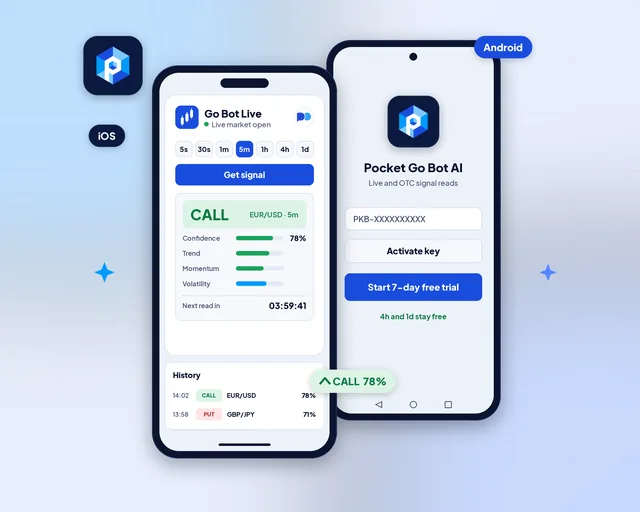
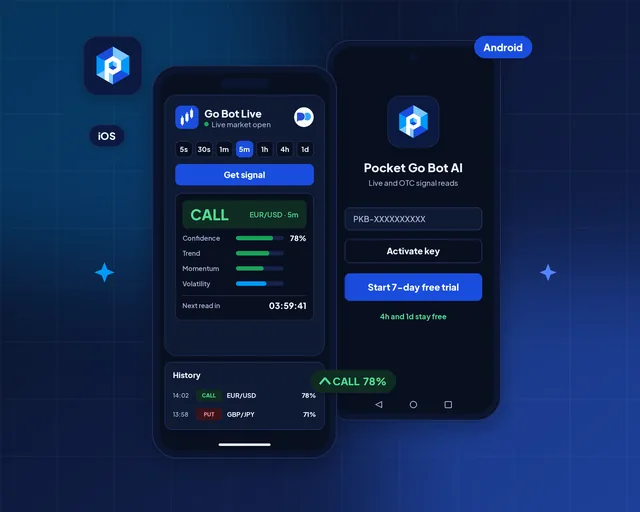
Android and iOS apps
The same reads as an Android and iOS app, with alerts when a new read lands.
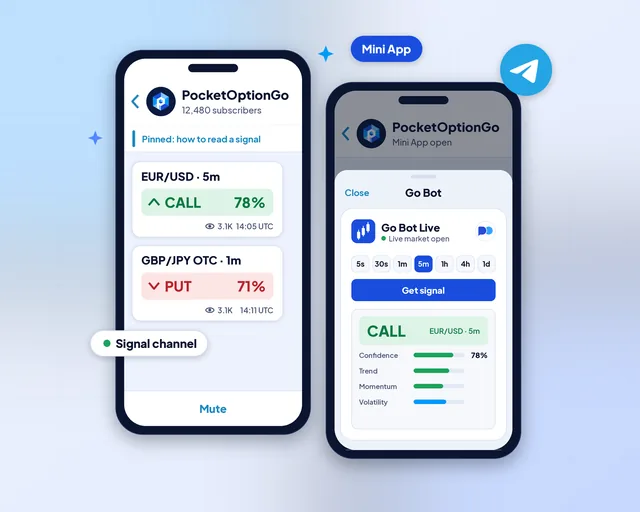
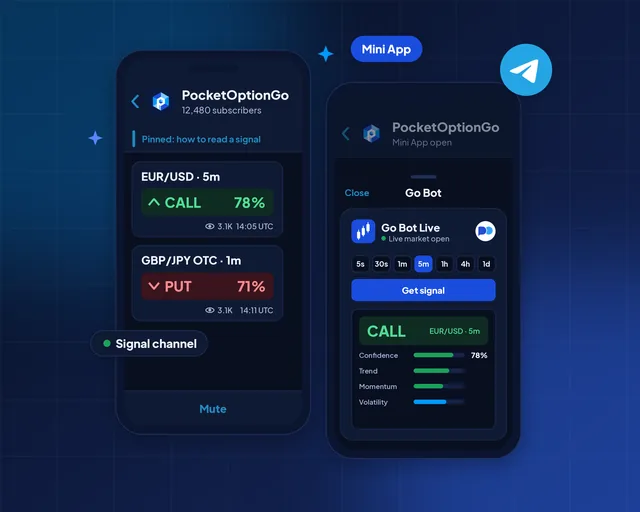
Telegram channel and Mini App
A signal channel that posts reads, plus a Mini App that runs the full tool inside Telegram.
Questions
Chrome, Firefox and Edge on a desktop or a laptop. Phones do not run browser extensions; on a phone, use the app or the web tool.
Only when you switch it on, and only inside the limits you set: the stake, the trades per day, the stop after losses and the daily loss cap. It acts in the Pocket Option tab you have open. Pause stops it at once.
No. It works in the Pocket Option tab you are already signed in to, and it never asks for or stores your password.
Yes. Every trade it places can lose its full stake, exactly like one you place yourself. Your limits cap how much it can risk, not whether a trade wins. Read the Risk warning before you switch it on.
It starts with a 7-day free trial. After that, the key comes free with a Pocket Option account opened through our partner link, or with a Monthly or Lifetime plan.
No. PocketBots builds it on its own, and Pocket Option did not make, approve or authorize it.
Yes. The extension works in whichever Pocket Option account your tab is signed in to. The free key needs an account opened through our partner link; with any other account, a Monthly or Lifetime plan opens it.
Auto trade stops on its own and places nothing more until you change the limit or the next day starts. Reads keep coming, so you can still watch the market and trade by hand.
Yes, and we suggest it. The extension acts in the Pocket Option tab you have open, so switch that tab to the demo account, set your limits and watch a few days of trades before you use real money.
Yes. The extension reads and trades only while the browser and your Pocket Option tab are open. Close either one and nothing is placed until you open them again.
Independent extension: Pocket Option neither built nor endorses it. These tools inform and teach; they are not investment advice. You can lose money trading, so see the Risk warning before you start.
Refer and earn
Your audience trades Pocket Option? Send them to Pocket Option Go Bot Pro. They use your coupon code, and you earn 40% of every plan payment they make, month after month while they keep it.
40%of each plan payment from people you refer
You earn when a referral pays for a plan; a sign-up alone earns nothing. Trading can lose money, so point people to the Risk warning.