Weekdays
Go Bot Live
Real-market prices for the hours the banks trade: majors such as EUR/USD and GBP/USD, plus gold, oil and the big indices.
Monday through Friday, then a pause
- Quotes
- Real-market pairs
- Pairs
- 40 live
- Suits
- Weekday sessions
Online signal tool for Pocket Option
Choose EUR/USD, gold or Bitcoin OTC, set a timeframe and tap Get signal. Go Bot returns CALL, PUT or NO TRADE with a confidence score, then reads again at every candle close. Live pairs on weekdays, OTC pairs at any hour.
This is an independent, unofficial tool made by the PocketBots team. Pocket Option has not approved it, and it is not their official app. We have an affiliate relationship with Pocket Option. Every app, robot and tool on this site is built by us as an unofficial third-party product, and Pocket Option did not build, approve or authorize it.
Pocket Option Go Bot Live
Weekday market · open
Pocket Option
Pair to read 40 live pairs
Currencies
Metals and energy
Crypto
Indices
Timeframe 4h
Pair to read 62 OTC pairs
Currencies
Metals and energy
Crypto
Indices
Stocks
Timeframe 4h
No reads right now. The real market takes its weekend break between Friday 21:00 UTC and Sunday 21:00 UTC, and the live tool waits for it to reopen. For weekend reads, switch to OTC above. Pocket Option's OTC pairs keep quoting on Saturday and Sunday.
AI engine readyEUR/USD
Pick a pair and a timeframe, then tap Get signal.
Now reading EUR/USD
0%
EUR/USD4h candle
CALLPrice up
Next read in-
Your reads will appear here once you start. They stay in this browser and are never sent to us.
Your planFree: 4h and 1dOpen all timeframes
Each read is for learning, not advice, and no read is ever marked right or wrong later. Before you trade, see the Risk warning.
How to use
Five steps, in the order you use the tool at the top of this page: the pair, the timeframe, the scan, the verdict, then the clock that brings the next read.
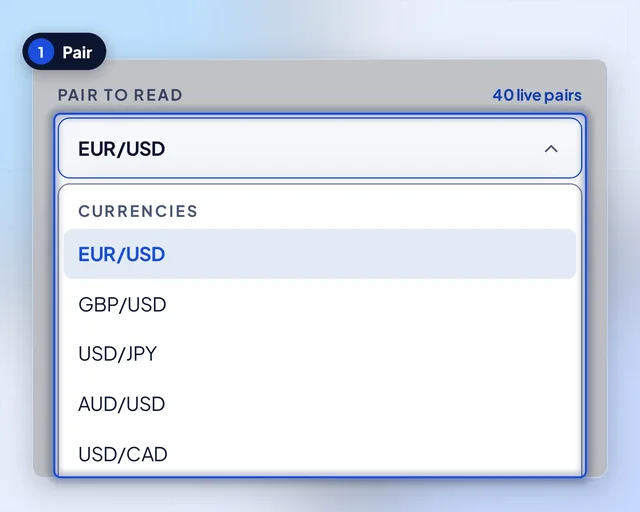
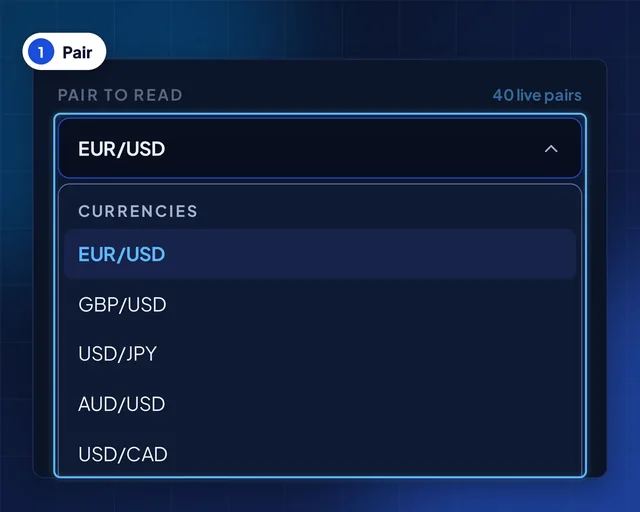
Step 1 of 5
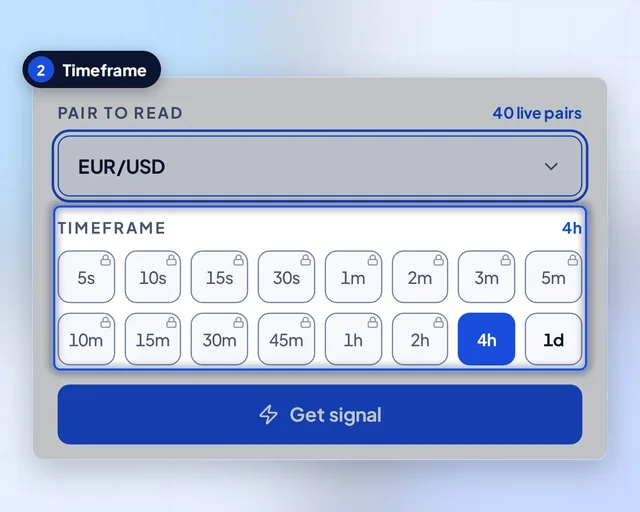
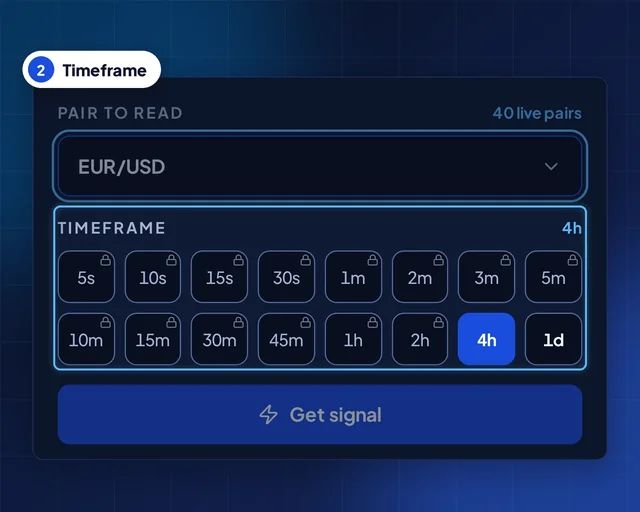
Step 2 of 5
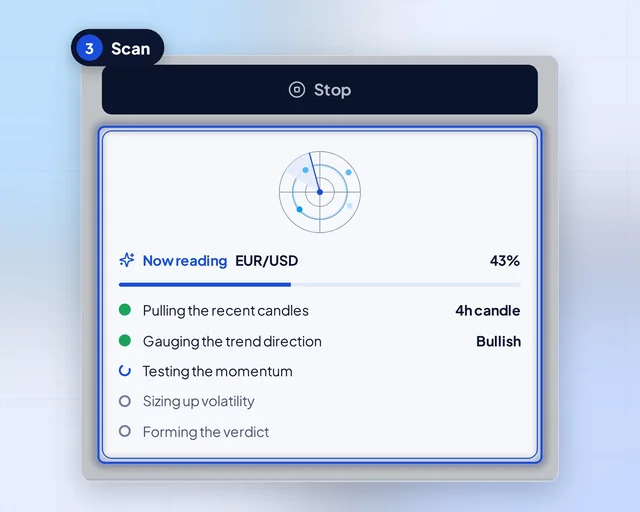
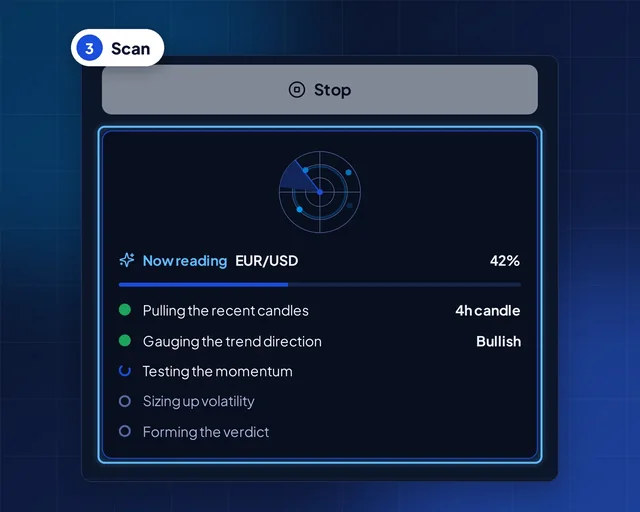
Step 3 of 5
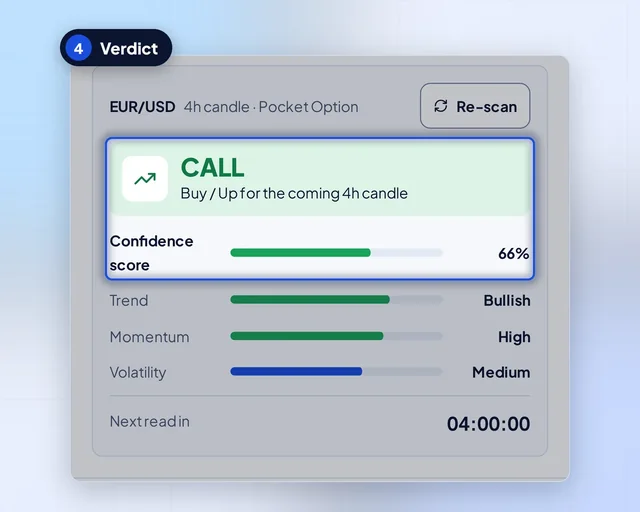
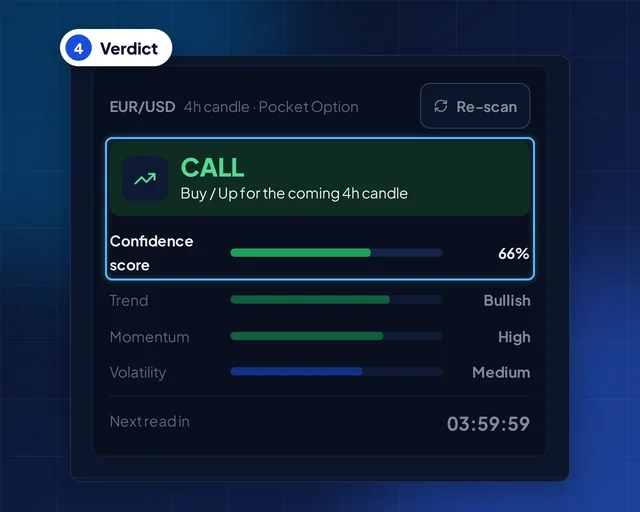
Step 4 of 5
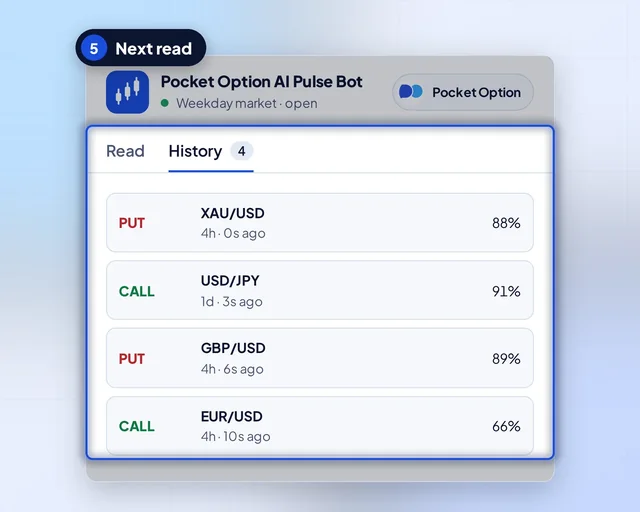
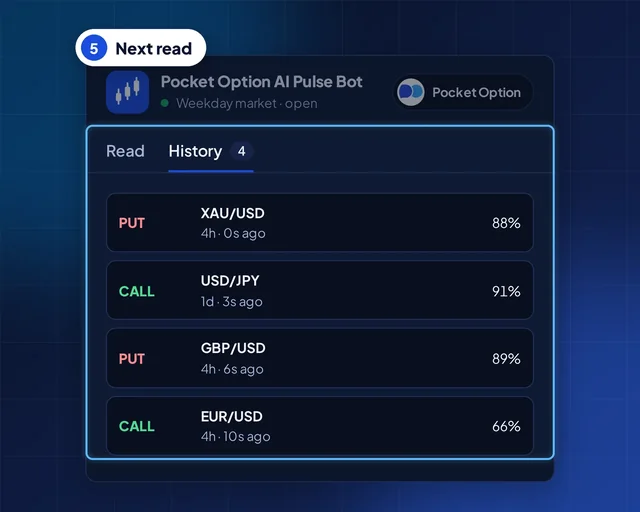
Step 5 of 5
Two markets, one tool
One switch at the top of the tool picks the market. Here is what each side reads and when it is open.
Real-market prices for the hours the banks trade: majors such as EUR/USD and GBP/USD, plus gold, oil and the big indices.
Monday through Friday, then a pause
Pocket Option's own OTC prices, open late at night and through the weekend, with coins, stocks and exotic pairs on the list.
Open on all seven days
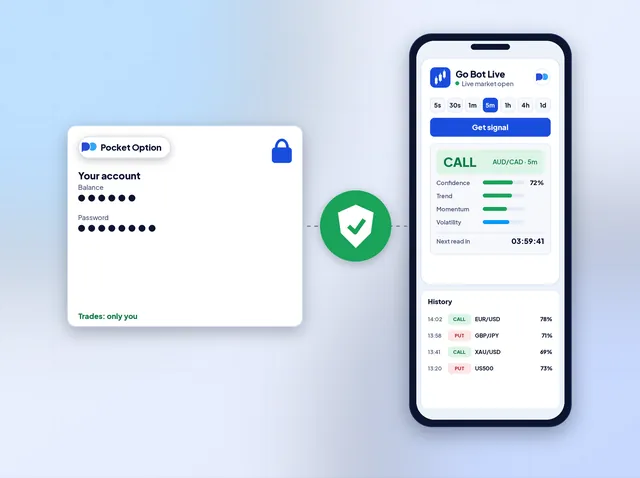
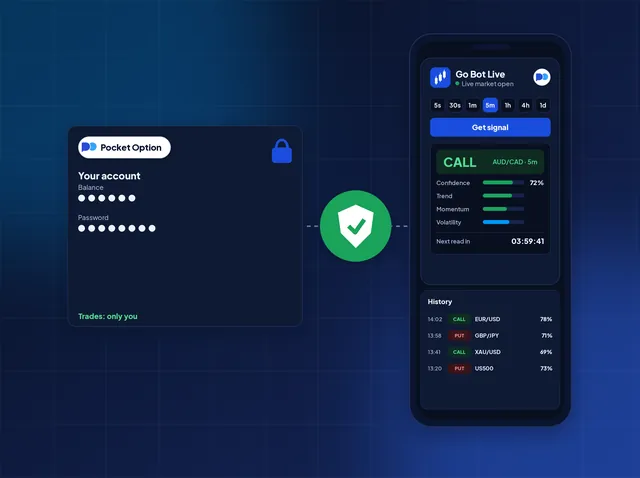
Your decision
Say it is Tuesday and EUR/USD is moving. You ask Go Bot about the 5-minute candle and it shows one verdict, a confidence score and a countdown. Hold that up against your own chart. If it fits, you open the trade on Pocket Option with your own hands.
Inside a read
Here is the tool from the top of the page, taken apart into nine pieces. Every figure in a real read comes from the signal engine, never from this page.
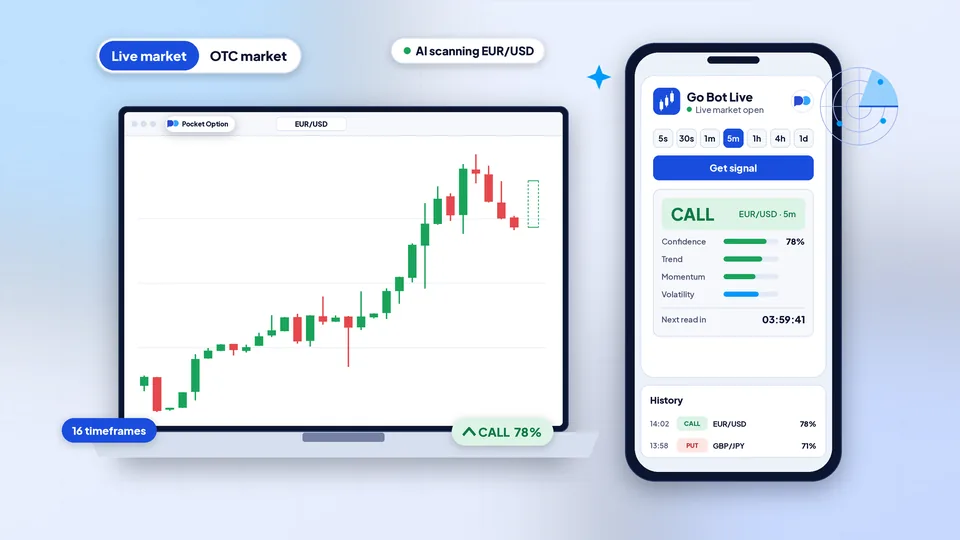
CALL, PUT or NO TRADE for your candle. You see NO TRADE when trend, momentum and volatility point different ways.
A score for how well the three inputs line up, each one shown beside it. It does not tell you the odds of winning.
5s up to 1d, in two rows of chips. 4h is selected for you and 1d is free as well; the other fourteen show a padlock until unlocked.
One tap on Get signal starts it. When the countdown hits zero you get a new read, and so on until you tap the same button to stop.
One switch at the top of the tool. Live covers the weekday market; OTC covers the pairs Pocket Option quotes at any hour.
40 live and 62 OTC pairs: currencies first, then metals and energy, coins, indices and big stocks.
Up to twenty past reads with the time stamp of each. They sit in your browser and go nowhere else.
Not sure about the current candle? Re-scan asks once more and leans on the previous answer, so a flip is rare.
The web tool's whole job is a signal. Trading, your Pocket Option money and the outcome stay on your side.
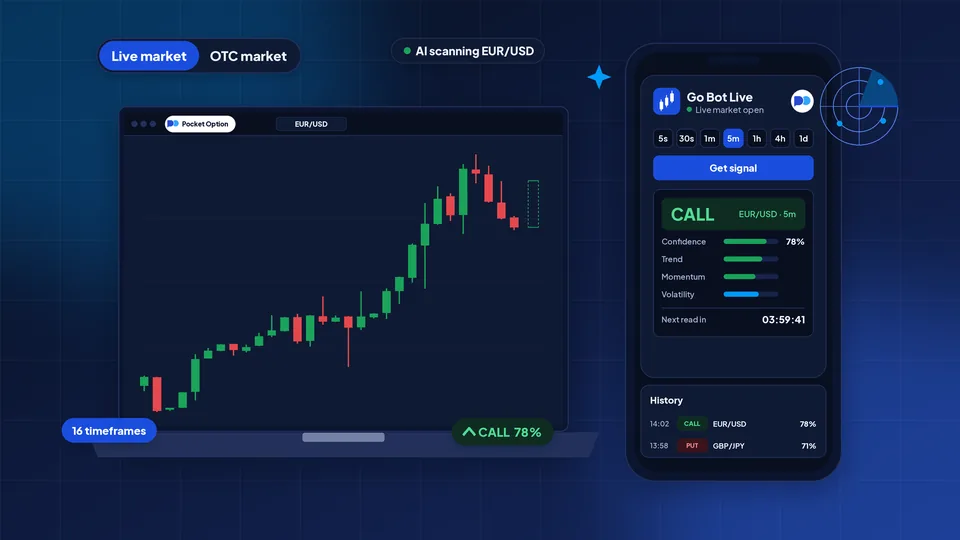
In one picture
Pick your pace
Sixteen choices. Your timeframe is both the length of each candle and the gap between reads, so pick the one that matches the time you have.
5s to 30s
A read every few seconds while the loop runs. Plan your response to CALL, PUT and NO TRADE first, because there is no time to think between reads.
1m to 5m
One read every 1, 2, 3 or 5 minutes. Enough to glance at your own chart of the pair before that candle ends.
10m to 2h
A read every quarter hour, half hour or hour. Handy if you trade around a job and look in now and then.
4h and 1d
One read every four hours or once a day, no account needed. Try them on a pair you know, beside your chart, before you unlock the rest.
Trend, momentum and volatility appear on every read, whatever the pace. No read is graded as a win or a loss, and a longer candle does not make the answer a prediction.
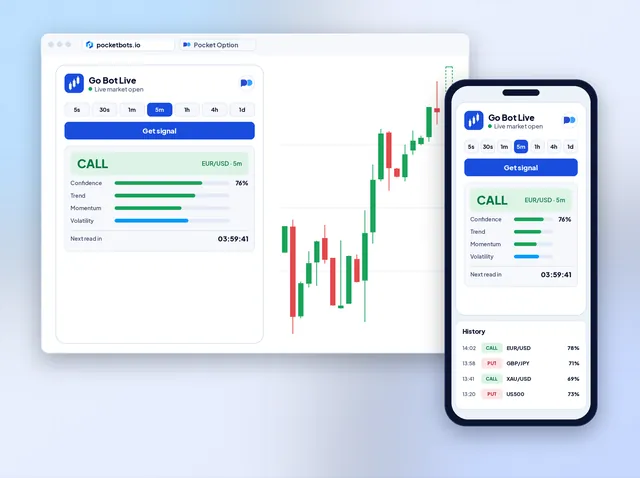
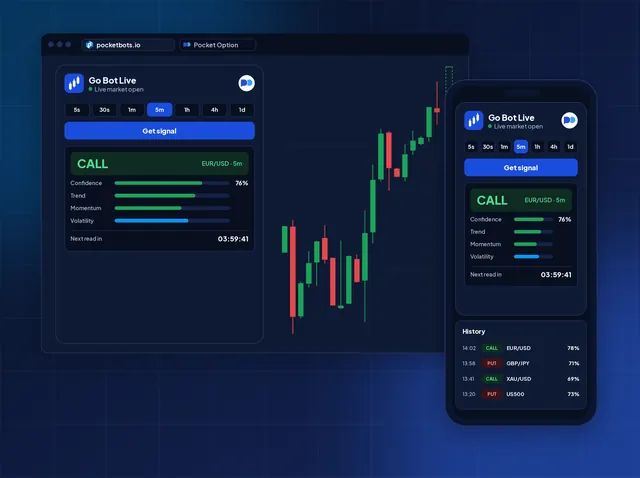
Your screen
Go Bot lives inside this web page. Open it on a work laptop between meetings or on your phone on the train, and it is ready. Put Pocket Option in a second tab and watch the same pair in both. Want the read to sit beside the chart for you? That is what the extension does.
Full access
You can use 4h and 1d this minute, live and OTC. The fourteen faster timeframes open at no cost after three steps: an account on Pocket Option, a quick check by our team, a sign-in here.
At Pocket Option
Around two minutes
Follow our link to Pocket Option and sign up on its own form. Arriving that way is the one condition for free access to every timeframe.
Only accounts that started from our link qualify for free access. Make a new one that way, or keep your current account and choose a plan.
Our referral link
Pocket Option registration
The account you have
In a support chat
Often just minutes
Write to support, giving the ID of your Pocket Option account plus the sign-in email you plan to use here. Once they see the account came from our link, they tie access to that email.
YouHi, I signed up through your link. My account ID and email are below.
SupportAll good, it is linked. Sign in with that email and every timeframe is yours.
Here on PocketBots
Seconds
Sign in on this site with that email. The padlocks from 5s to 2h are gone, live and OTC, and each one reads like 4h does.
Signed out
Signed in
After hours
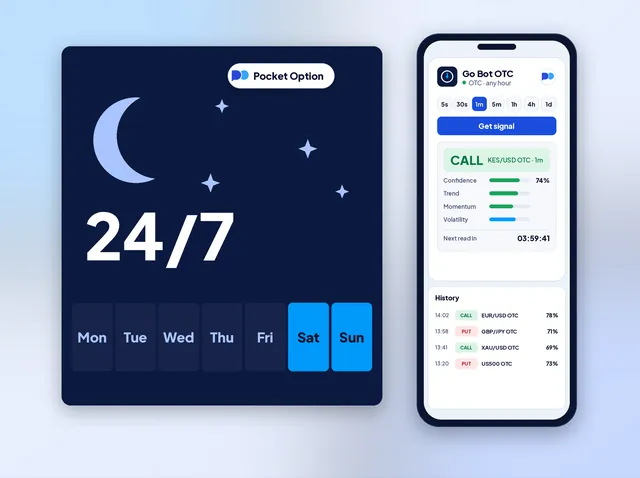
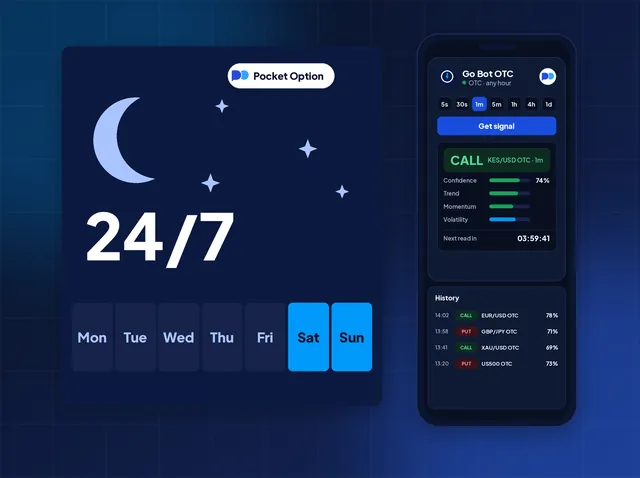
When the real market stops on Friday evening, Pocket Option keeps quoting its OTC pairs. Flip Go Bot to OTC and 23:00 on a Saturday works just like 10:00 on a Wednesday. Pick KES/USD, gold or Bitcoin, ask for a read and decide.
Pairs
Live pairs trade on real-market prices from Monday to Friday. OTC pairs are Pocket Option's own prices, open at any hour. Every pair works on all sixteen timeframes.
 EUR/USD
 GBP/USD
 USD/JPY
 AUD/USD
 USD/CAD
 EUR/JPY
 GBP/JPY
 USD/CHF
 NZD/USD
 EUR/GBP
 AUD/JPY
 EUR/AUD
 AUD/CAD
 EUR/CHF
 GBP/AUD
 CAD/JPY
 CHF/JPY
 EUR/CAD
 GBP/CHF
 NZD/JPY
 GBP/CAD
 AUD/CHF
 AUD/NZD
 EUR/NZD
 GBP/NZD
 CAD/CHF
 NZD/CAD
 NZD/CHF
 XAU/USD
 UKOIL
 USOIL
 XAG/USD
 BTC/USD
 US100
 US500
 US30
 UK100
 FRA40
 JP225
 EU50EUR/USD OTCGBP/USD OTCUSD/JPY OTCAUD/USD OTCUSD/CAD OTCEUR/JPY OTCGBP/JPY OTCUSD/CHF OTCNZD/USD OTCEUR/GBP OTCAUD/JPY OTCEUR/AUD OTCAUD/CAD OTCEUR/CHF OTCGBP/AUD OTCCAD/JPY OTCCHF/JPY OTCEUR/CAD OTCGBP/CHF OTCNZD/JPY OTCAUD/CHF OTCAUD/NZD OTCEUR/NZD OTC
 USD/INR OTC
 USD/BRL OTC
 USD/ZAR OTCGBP/NZD OTCCAD/CHF OTCNZD/CAD OTCNZD/CHF OTC
 USD/PKR OTC
 USD/BDT OTC
 USD/PHP OTC
 NGN/USD OTC
 KES/USD OTC
 MAD/USD OTC
 LBP/USD OTC
 BHD/CNY OTC
 OMR/CNY OTCXAU/USD OTCUKOIL OTCUSOIL OTCXAG/USD OTC
 XNG/USD OTCBTC/USD OTC
 ETH/USD OTC
 SOL/USD OTC
 XRP/USD OTC
 LTC/USD OTC
 ADA/USD OTC
 TON/USD OTC
 DOT/USD OTCUS100 OTCUS500 OTCUS30 OTC
 AUS200 OTC
 GER30 OTCJP225 OTC
 AAPL OTC
 AMZN OTC
 META OTC
 INTC OTC
Same reads, other places
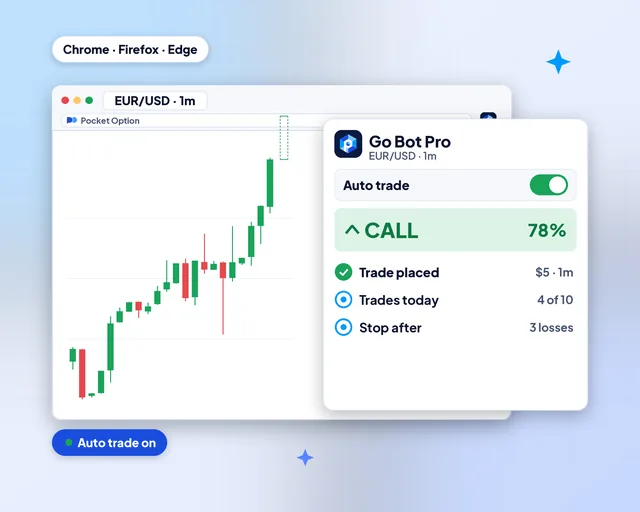
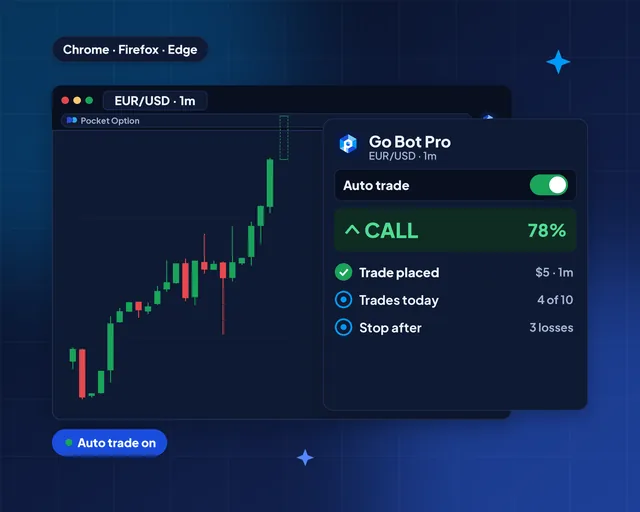
The same signal engine also runs as a browser extension that can trade for you, as a phone app and on Telegram.
Browser extensions with auto trade
Extensions for Chrome, Firefox and Edge that read beside your chart and can trade inside your limits.
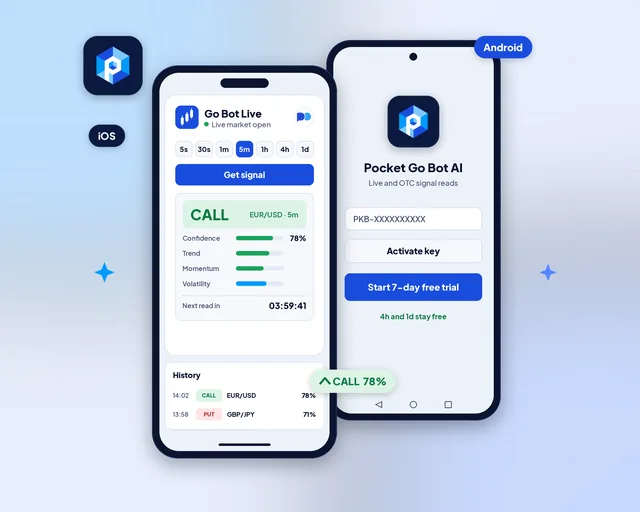
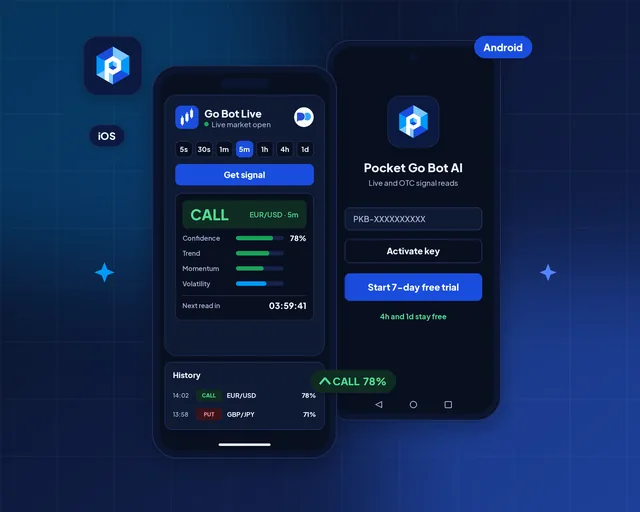
Android and iOS apps
The same reads as an Android and iOS app, with alerts when a new read lands.
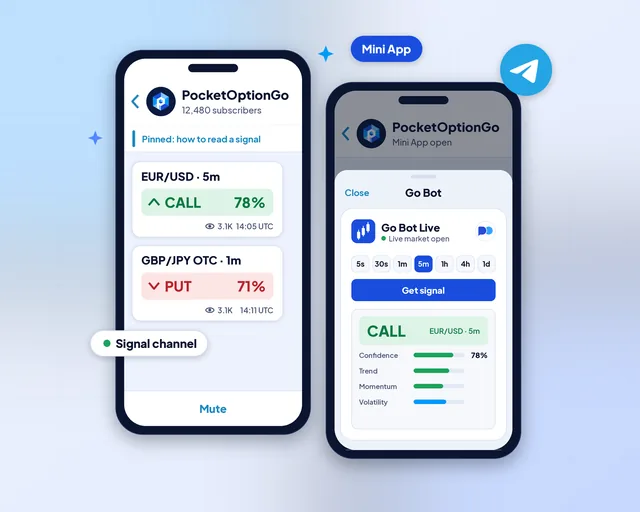
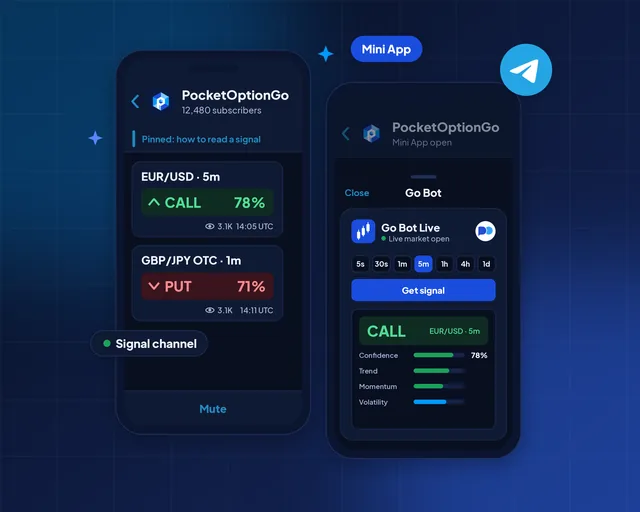
Telegram channel and Mini App
A signal channel that posts reads, plus a Mini App that runs the full tool inside Telegram.
Questions
Yes. The 4h and 1d timeframes work with no account at all, on live and OTC pairs. Go Bot gives signals only; every trade is yours to place.
Sign up with Pocket Option through our partner link and every faster timeframe opens at no charge. Already have an account you want to keep? Choose Monthly at $49 a month or Lifetime at $199 paid once.
No. PocketBots is independent, and Pocket Option has no part in making, backing or supporting Go Bot. The Pocket Option name and logo are its owner's property.
The signal engine looks at three things on your pair and timeframe: trend, momentum and volatility. It blends them into a single verdict, CALL, PUT or NO TRADE, plus a score for how closely the three agree.
Think of the verdict as a snapshot rather than a forecast, and of the score as agreement rather than odds.
Live pairs carry real-market prices and trade from Monday to Friday. OTC pairs are priced by Pocket Option itself, so they keep quoting at night and at the weekend. Check every OTC read against the OTC chart of that pair, never the real-market one.
Pocket Option's live market closes from Friday 21:00 UTC until Sunday 21:00 UTC, so no live candle exists to read and Go Bot tells you so. Flip the switch to OTC: those pairs stay open through that gap.
The web tool never does. Its output is a verdict, a score and a countdown. If you want reads turned into trades inside limits you set, that is Pocket Option Go Bot Pro, the browser extension.
Treat it as a measure of agreement between trend, momentum and volatility. A high score means a tidier read, nothing more. It is not a win probability, so plan each stake as if the read might be wrong.
Yes. Pocket Go Bot AI is the Android and iOS app, and PocketOptionGo is the Telegram channel and Mini App. This page needs neither: it runs in any browser.
No. Go Bot runs in a browser tab on a computer or a phone. Open it beside your Pocket Option chart and read; there is no download and no sign-up for 4h and 1d.
No. A read is only information, and a trade can lose its full stake. Use money you could lose without harm, and see the Risk warning.
Independent tool: Pocket Option neither built nor endorses it. These tools inform and teach; they are not investment advice. You can lose money trading, so see the Risk warning before you start.
Refer and earn
Your audience trades Pocket Option? Point them to Go Bot, which runs in the browser. They use your coupon code, and you earn 40% of every plan payment they make, month after month while they keep it.
40%of each plan payment from people you refer
You earn when a referral pays for a plan; a sign-up alone earns nothing. Trading can lose money, so point people to the Risk warning.
Go Bot traders
For the first week I only used the free 4h reads and lined each one up with my own chart. Then I decided the faster ones were worth it.
My week is full, so I trade on Sundays, when only the OTC pairs are open. One switch and Go Bot reads them.
Two tabs: Go Bot on one side, Pocket Option on the other. I did not have to install anything on my office laptop.